
Most people discover Wondershare through Filmora.
That’s usually where the journey starts. You want to edit a video, maybe for social media, a client project, or personal use. You search for a simple editor, find Filmora, and it does the job.
But that is only the surface.
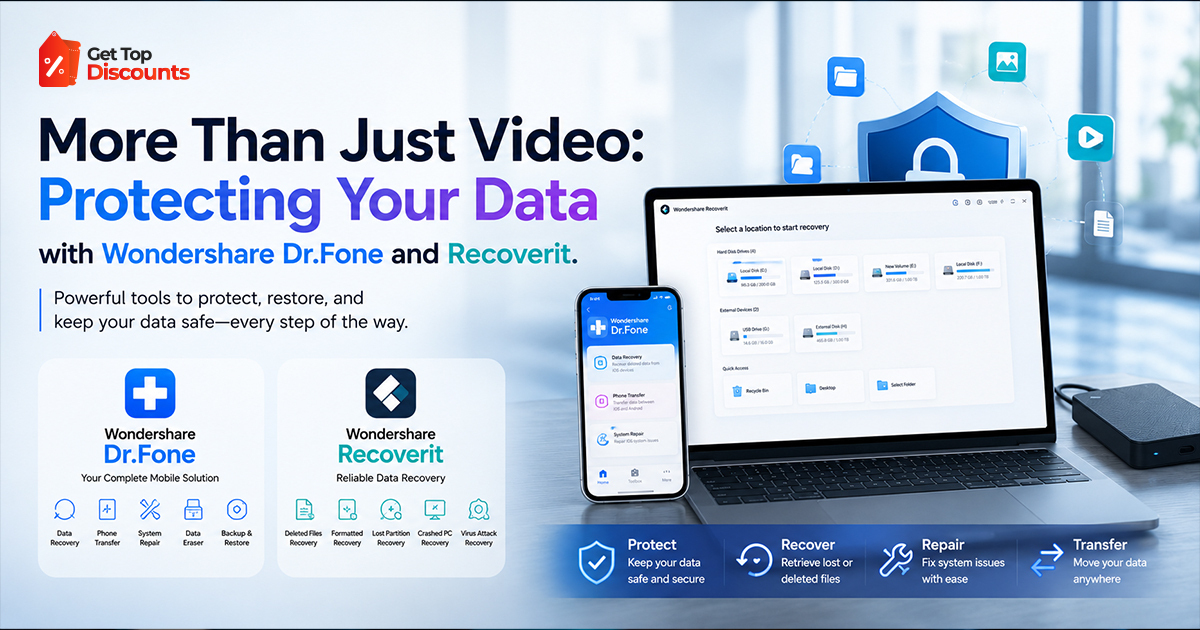
What most users don’t realize is that Wondershare has built something much more practical behind the scenes. Tools that step in when things go wrong. Tools that help you recover lost files, fix broken devices, and move your data safely when switching systems.
That shift, from editing content to protecting it, is where Wondershare becomes more than just another software brand.
If you are already exploring their products, the first step should be checking the latest Wondershare coupon code offers. These discounts apply across tools like Dr.Fone and Recoverit, and they can significantly reduce your long-term cost, especially if you are considering a lifetime license.
If you want a clear breakdown of Wondershare’s pricing, bundles, and products, check our main review. It explains Filmora and the full toolkit in detail. It will help you understand everything before you choose the right tool.
Why Data Protection Matters More Than Creation?
Creating content is easy. Keeping it safe is harder.
You can re-record a video or rewrite a file. But some things can’t be replaced. Personal photos, client data, messages, and business files all matter.
Still, most people don’t think about data protection until it’s too late.
The issue isn’t awareness. It’s timing.
People look for recovery tools only after something goes wrong:
- A phone stops working
- Files vanish after an update
- A drive won’t open
- Messages get lost during transfer
By then, recovery is harder. It takes more time and may not be complete.
That’s why tools like Dr.Fone and Recoverit are more than simple utilities. They help you stay prepared before problems happen.
Understanding the Two Sides of Data Loss
To understand where Wondershare fits, you need to separate data loss into two categories:
1. Mobile Data Loss
This includes:
- Photos and videos on your phone
- Contacts and messages
- WhatsApp chats
- App data
This is where Dr.Fone operates.
2. System & Storage Data Loss
This includes:
- Computer files
- External drives
- SD cards
- Crashed systems
This is where Recoverit comes in.
Most users experience both types at different times, which is why Wondershare built separate tools instead of forcing everything into one product.
Wondershare Dr.Fone: A Practical Solution for Mobile Data Problems
Dr.Fone is made for times when your phone stops working well or you can’t access it fully.
Instead of depending on basic backups or messy manual transfers, it gives you clear and simple control over your device.
What Dr.Fone Actually Helps You Do?
Dr.Fone is not a single feature tool. It combines multiple functions that users usually need at different stages:
- Recover deleted data from phones
- Transfer data between devices
- Backup and restore files
- Move WhatsApp chats across platforms
- Unlock your device without losing your data.
- Fix system issues like boot loops.
These features solve real problems people face, often without a clear fix.
Real Use Cases Where Dr.Fone Becomes Essential
This is where most blogs stay generic. Let’s go deeper.
Switching from Android to iPhone (or vice versa)
This is one of the most frustrating transitions.
- Files don’t transfer properly
- Chats get lost
- Apps don’t sync correctly
Dr.Fone creates a structured transfer process, reducing the risk of losing important data.
Recovering Deleted Photos and Messages
Deleted files are not immediately gone. They stay in the system until overwritten.
Dr.Fone scans your device and retrieves data before it disappears permanently.
Timing matters here. The earlier you act, the better the results.
WhatsApp Migration Without Data Loss
This is a major pain point.
Official methods are limited and often unreliable across platforms.
Dr.Fone simplifies this process, making it one of the most practical features in the tool.
Unlocking Devices Without Resetting Everything
Forgetting a password usually leads to a factory reset.
That means losing everything.
Dr.Fone offers ways to unlock devices while preserving data, depending on the situation.
Wondershare Recoverit: Built for When Systems Fail
If Dr.Fone handles phones, Recoverit handles everything else.
And this is where the stakes get higher.
When a computer fails, the amount of data at risk is much larger.
What Recoverit Focuses On
Recoverit is designed for deeper recovery scenarios:
- Deleted files
- Formatted drives
- Corrupted storage devices
- System crashes
- Damaged video files
It supports a wide range of file types and recovery situations that basic tools cannot handle.
Where Recoverit Delivers Real Value?
Recovering Files After Deletion
Even after emptying the recycle bin, files are still recoverable for a limited time.
Recoverit scans deeper layers of storage to retrieve them.
Handling Formatted Drives
Formatting a drive removes file structure, but not always the data itself.
Recoverit rebuilds that structure and restores files.
Recovering Data from Crashed Systems
If your system won’t boot, Recoverit allows recovery using bootable media.
This is critical for business users and professionals.
Video Recovery and Repair
This is where Recoverit stands out.
Corrupted video files can be restored, which is especially important for creators and editors.
Dr.Fone vs Recoverit: Clear Decision Framework
| Scenario | Recommended Tool |
| Lost phone data | Dr.Fone |
| WhatsApp transfer | Dr.Fone |
| Locked phone | Dr.Fone |
| Deleted computer files | Recoverit |
| Crashed system | Recoverit |
| Corrupted external drive | Recoverit |
You don’t choose one over the other. You choose based on the situation.
Ownership vs Subscription: The Financial Decision Most Users Get Wrong
This is where real information gain comes in.
Most blogs don’t break this down properly.
Subscription Model
You pay monthly or yearly.
Why it looks attractive:
- Lower upfront cost
- Easier entry
The downside:
- Cost keeps increasing
- No ownership
Perpetual License
You pay once and keep access.
Why it matters:
- No recurring payments
- Lower long-term cost
- Better ROI
Price Breakdown (Real Numbers)
Let’s analyze this properly.
Example:
- Original price: $49.99
- Discount using Wondershare coupon: $39.99
Over 3 years:
- Effective monthly cost ≈ $1.11
Now compare:
- Subscription: $4.99/month
- Total over 3 years: $179.64
That difference is not small.
This is why using wondershare coupon codes changes the entire decision.
Why Wondershare Coupons Are a Key Part of the Strategy?
Coupons are not just a bonus.
They influence how you buy.
- They reduce upfront cost
- Make lifetime plans accessible
- Increase long-term savings
Before purchasing, always check updated wondershare coupons.
The Bigger Picture: Wondershare as a Utility Ecosystem
Wondershare is not built around one tool.
It’s built around solving different types of problems:
- Filmora → content creation
- Dr.Fone → mobile data control
- Recoverit → file recovery
This creates a workflow where your data is not only created but also protected.
Common Mistakes Users Make
Waiting Until It’s Too Late
Recovery becomes harder after data is overwritten.
Choosing the Wrong Tool
Mobile vs desktop recovery confusion.
Ignoring Long-Term Costs
Subscriptions seem cheap but add up.
Skipping Discounts
Not using Wondershare coupon codes increases cost unnecessarily.
When You Should Actually Buy These Tools?
Timing matters.
Best situations:
- Before switching devices
- Before handling important data
- During active discount periods
Preparation is always cheaper than recovery after loss.
Smart Buying Strategy (Step-by-Step)
- Check latest Wondershare coupon deals
- Identify your use case (mobile vs system)
- Choose the right tool
- Prefer lifetime license if long-term use
- Install and test before you need it
Final Perspective: This Is About Control, Not Just Recovery
Most users think about recovery after something goes wrong.
But the real value is control.
Dr.Fone gives you control over your mobile data.
Recoverit gives you control over your files and storage.
Combined with the right pricing approach and valid Wondershare coupons, these tools become part of a long-term digital safety strategy.If you are planning to use Wondershare tools, start by checking the latest offers here: